Announcement Management
WCONLINE allows you to add announcements to the top of a schedule or multiple schedules, or to the login page. Announcements are typically used to convey instructions to clients, provide information about center events, update clients about closures or changes to center services, or to remind clients and/or staff of center policies. Some institutions even use announcements to showcase a “little known campus fact of the day” or a “tutor of the month.” Since announcements support formatting and images, they can even be used to further brand a WCONLINE site.
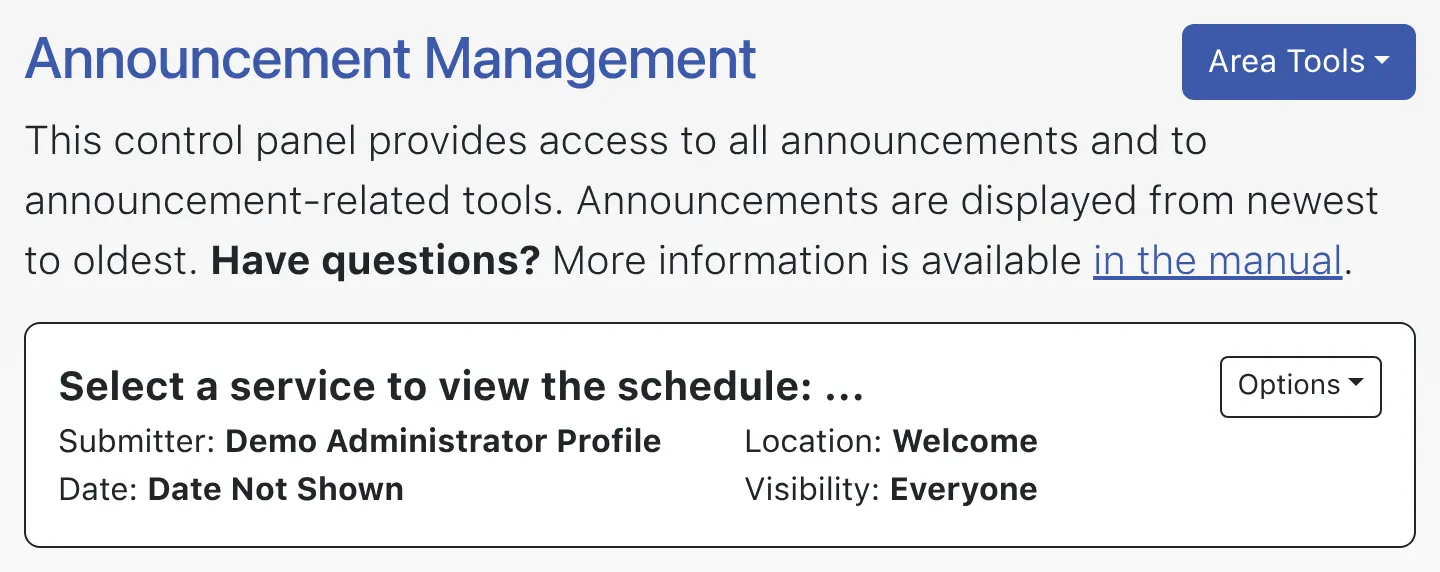
Announcements are configured via Announcement Management. That control panel is available under the “System Utilities & Reports” section of the Welcome menu and is typically available to full administrators only. Like many control panels in WCONLINE, the Announcement Management control panel opens to a list of existing announcements and provides tools for adding, editing, and deleting announcements.
Choosing “Add New Announcement” from the “Area Tools” at the top of the page or selecting “edit announcement” from the options menu to the right of a given announcement will take you to the announcement editor, where you can create new announcements or edit existing announcements. As with all control panels, be sure to hover over the question mark icons within the control panel in order to find suggestions and more information about each configuration option.