Adding Images to Announcements, Bios, and Emails
You can use the image icon on the editor toolbar to add pictures to announcements, staff and resource bio fields, schedule-related emails, mass emails, and most other formatted fields.
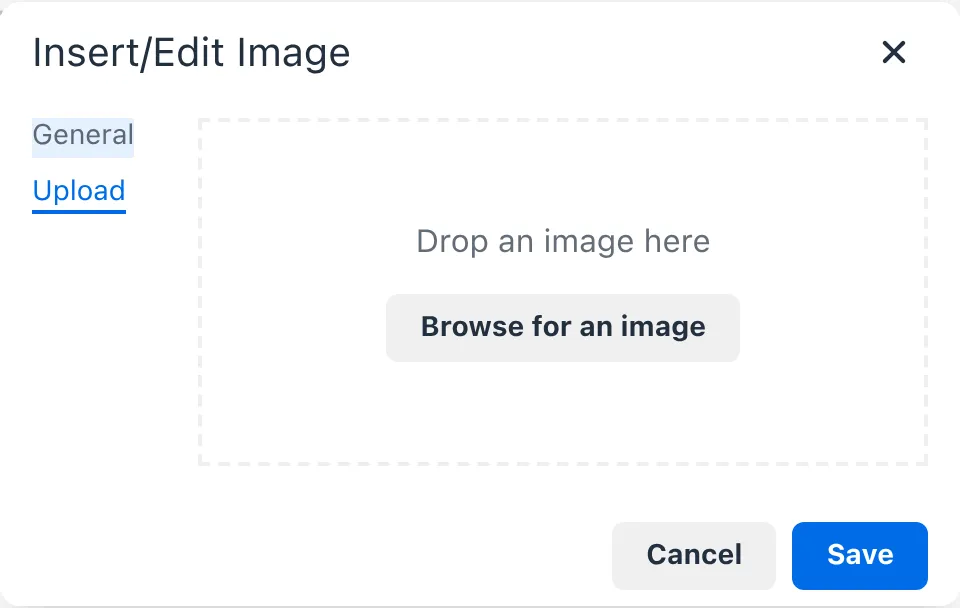
The image window opens on the Upload tab, where you can browse for an image on your computer or drag it into the window. You can also paste or drop an image directly into the editor. The editor supports most image formats and must be under 5 MB and 16 megapixels. Images will automatically be optimized and resized for use on the web.
Uploaded images are visible to anyone with the link, so do not upload images that contain private information.
You may also use images that are hosted on other websites by selecting the General tab and entering their URL in the “Source” field.