Alert Email
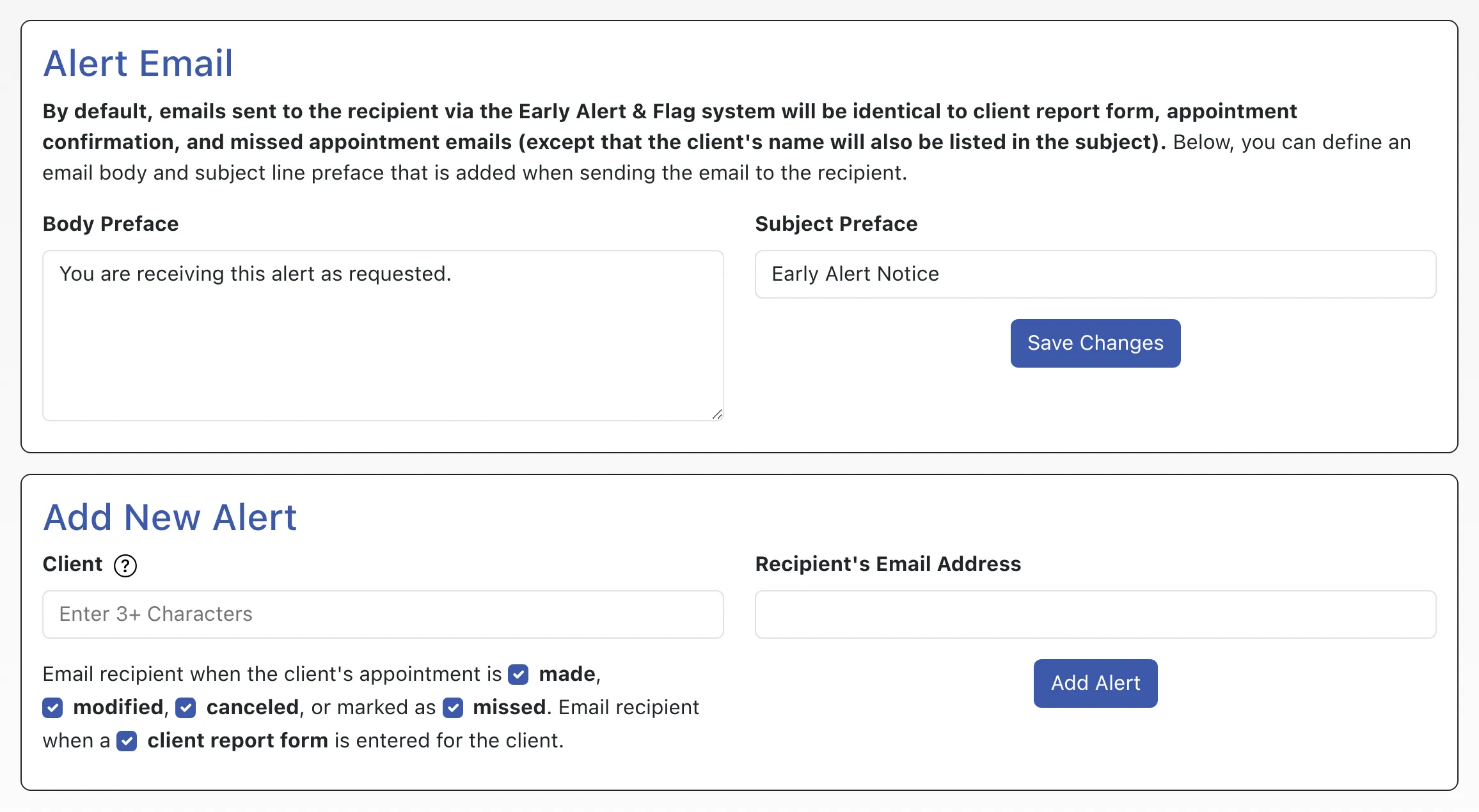
Body Preface: By default, early alerts and flags are simply copies of the appointment confirmation, modification, and cancelation emails (as configured on a schedule-by-schedule basis in Schedule Management), of the no-show email (as configured in the “No-Show Policy and Enforcement” section of Global System Settings), and of the client report form email (as configured in Form Setup: Client Report Form). This field allows you to insert a preface or introduction before the copied email. This is often used to explain why the recipient is receiving the email.
Subject Preface: By default, early alerts and flags carry the same email subject line as the original email that is sent to the client (with only the addition of the client’s name). This field allows you to use a different subject line for the early alert emails. Whatever is entered in this field will be prepended to the original email subject line. Typically, this field is used to add something like “Early Alert Notice” to the start of the email’s subject line.