Module Setup — Early Alerts & Flags
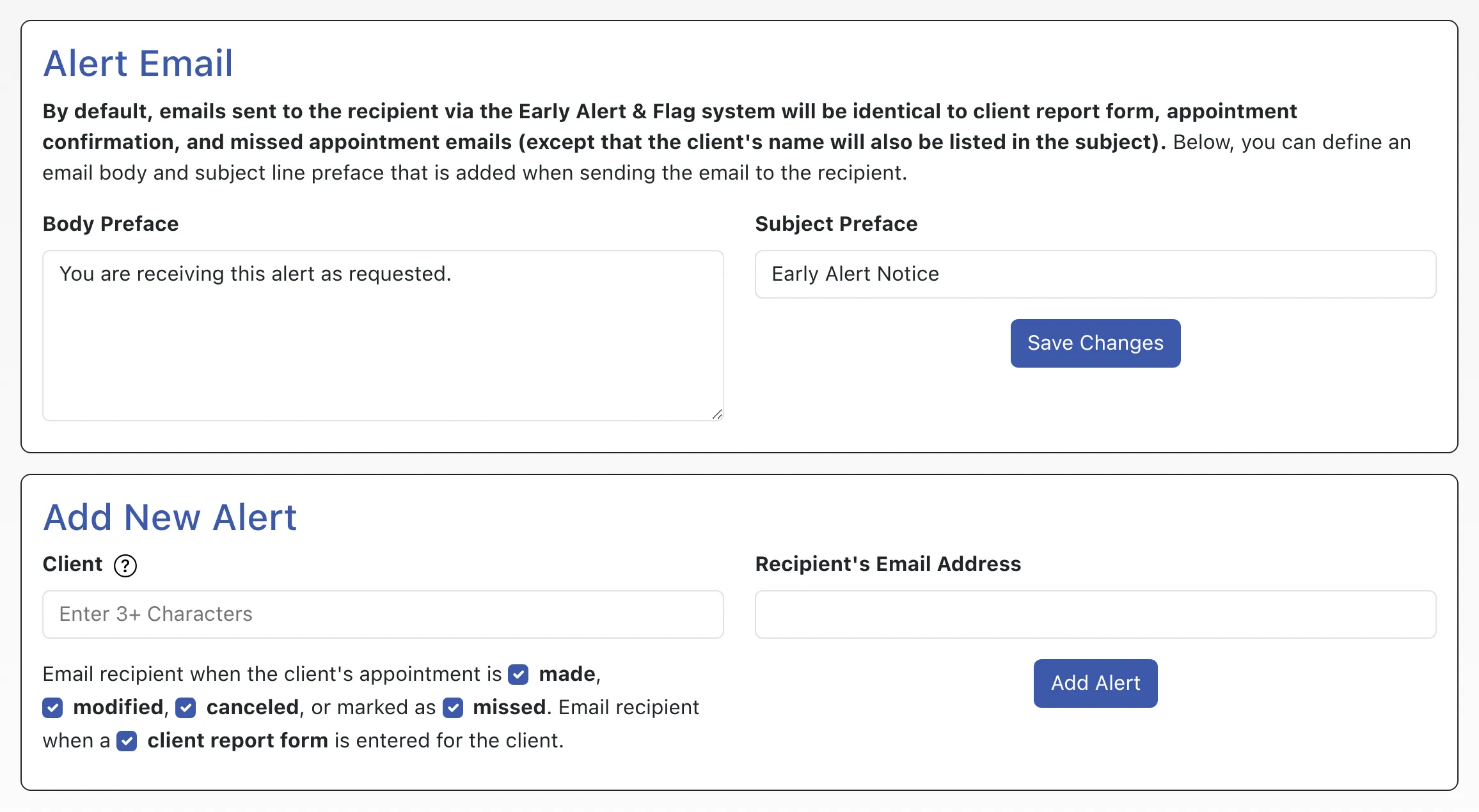
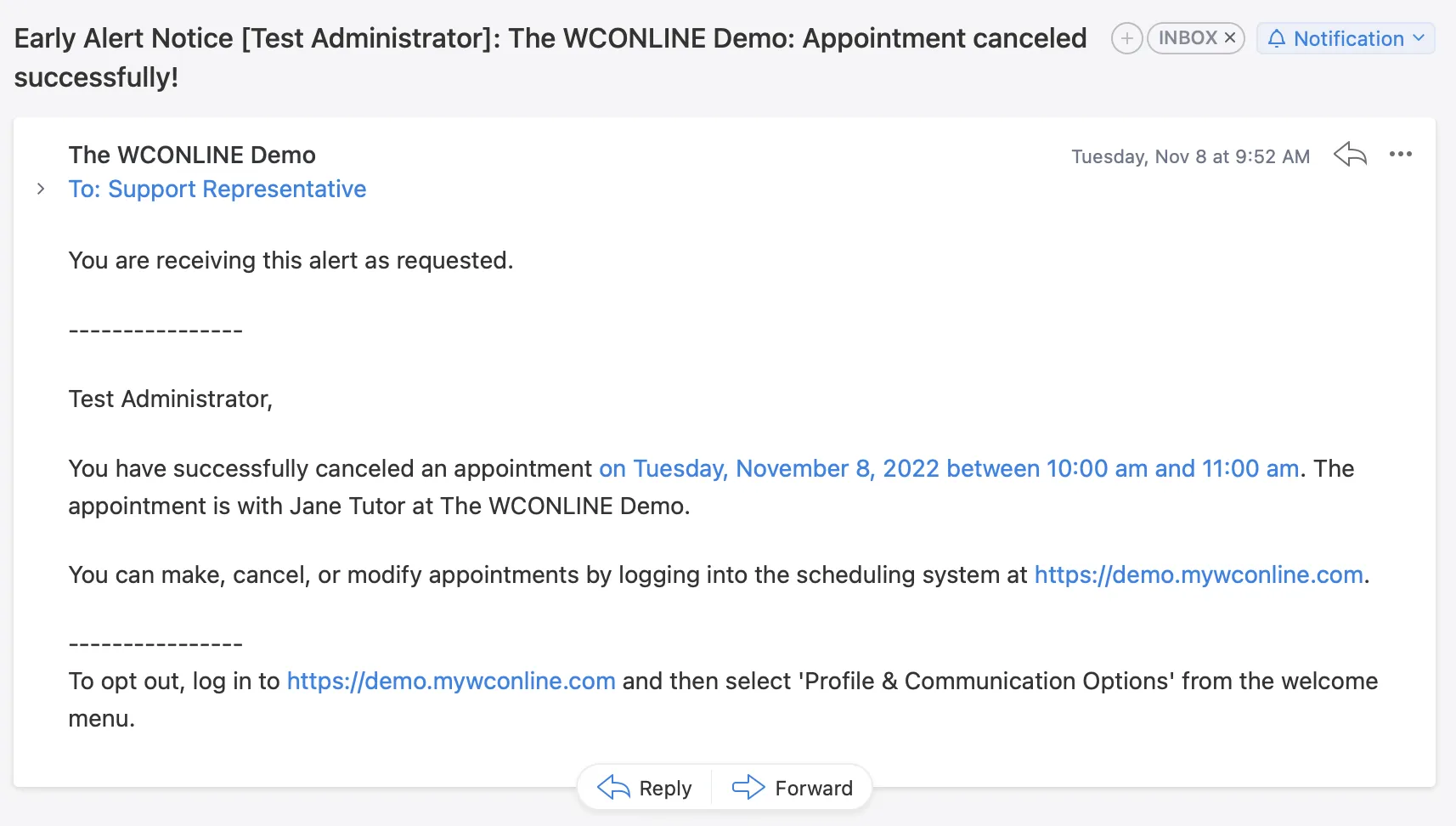
WCONLINE includes an early alert and flagging system designed to send notices to a third party when a given client makes, modifies, cancels, or misses an appointment, or has a client report form email entered for their appointment. Typically, early alerts and flags are used to notify parents, advisors, instructors, center directors, student athlete counselors, or other invested individuals of a student’s use of and attendance at an academic center. Within WCONLINE, “early alerts” and “flags” are the same.
Early alerts and flags are configured via Module Setup: Early Alerts & Flags. That control panel is available under the “System Configuration” section of the Welcome menu, and is typically available to full administrators only. There you’ll find a variety of options related to setting up an early alert or flag.
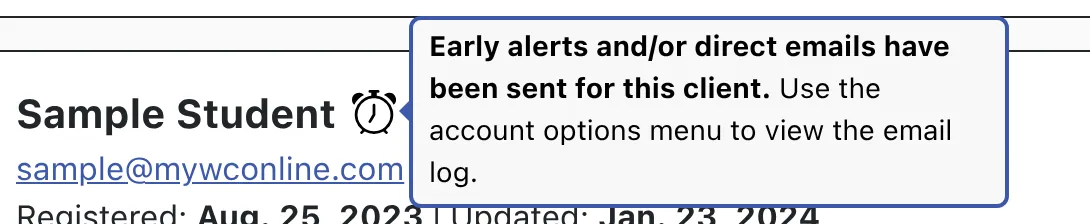
Once an early alert or flag is configured for a client, the third party receives an email alerting them to a client’s new, modified, canceled, and/or missed appointment. Early alerts and flags can also be configured to send the third party a copy of the client report form when entered for that client. A log of sent alerts is available by selecting “Account Options” from the “Options” menu for the client in Client & Record Management. If an early alert has been sent for a client, the “alarm” icon also appears for the client in Client & Record Management.