Starting Availability Management
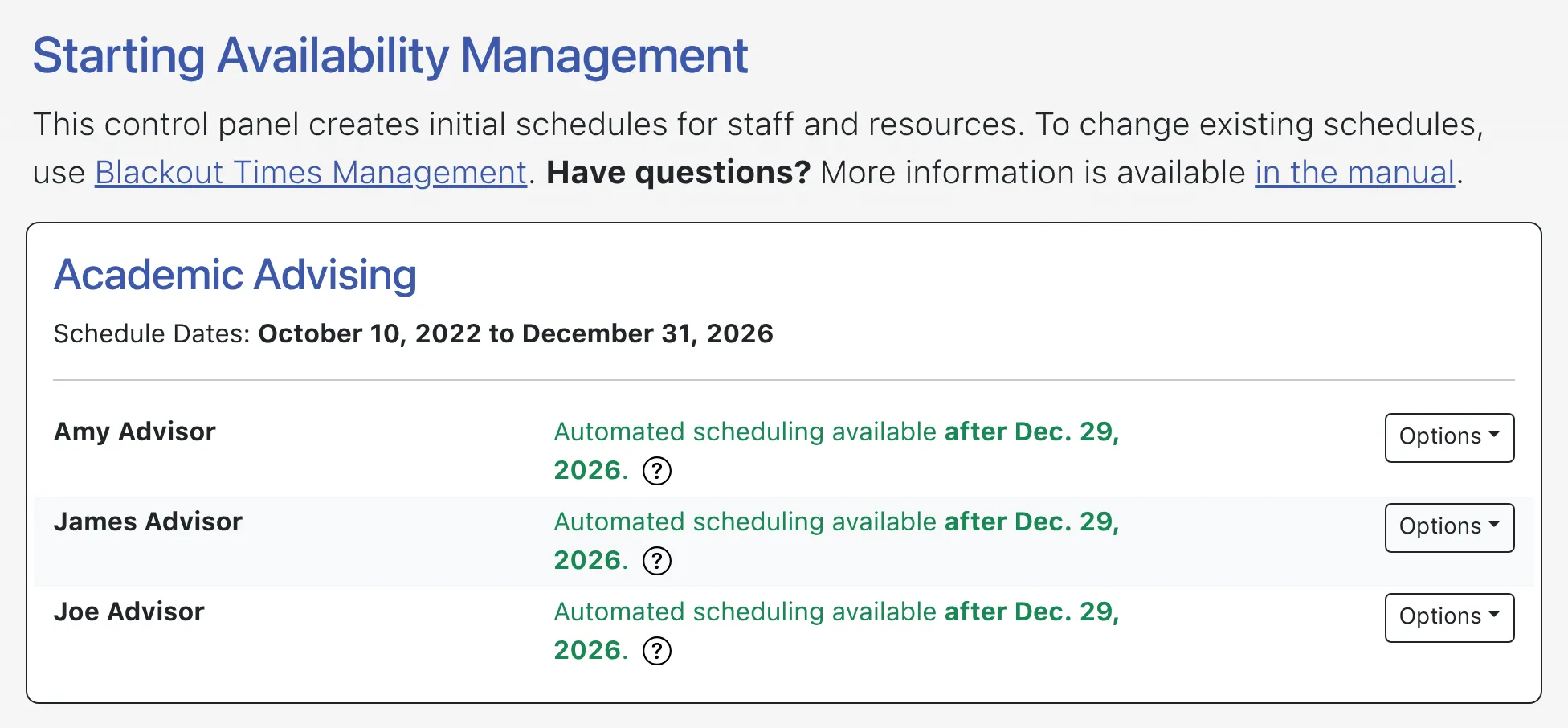
While you can reset a staff or resource’s schedule in Starting Availability Management, the control panel isn’t typically used to make scheduling changes. Rather, scheduling changes are made by adjusting blackouts within Blackout Times Management. Keep in mind, too, that Starting Availability Management is used to install or setup regular and repeating hours for your staff and resources.
Starting Availability Management is available under the “Schedule & Staff Management” section of the Welcome menu. The control panel is typically available to full administrators only, although many centers give basic administrators access so that they can enter their own initial schedules. Starting Availability Management opens to a list of your staff and resources across all of your available schedules. From there, you can reset availabilities, add new availabilities (or work schedules), or see what staff and resources are available (and not available) for automated scheduling.
A Note on A/B Scheduling
Section titled “A Note on A/B Scheduling”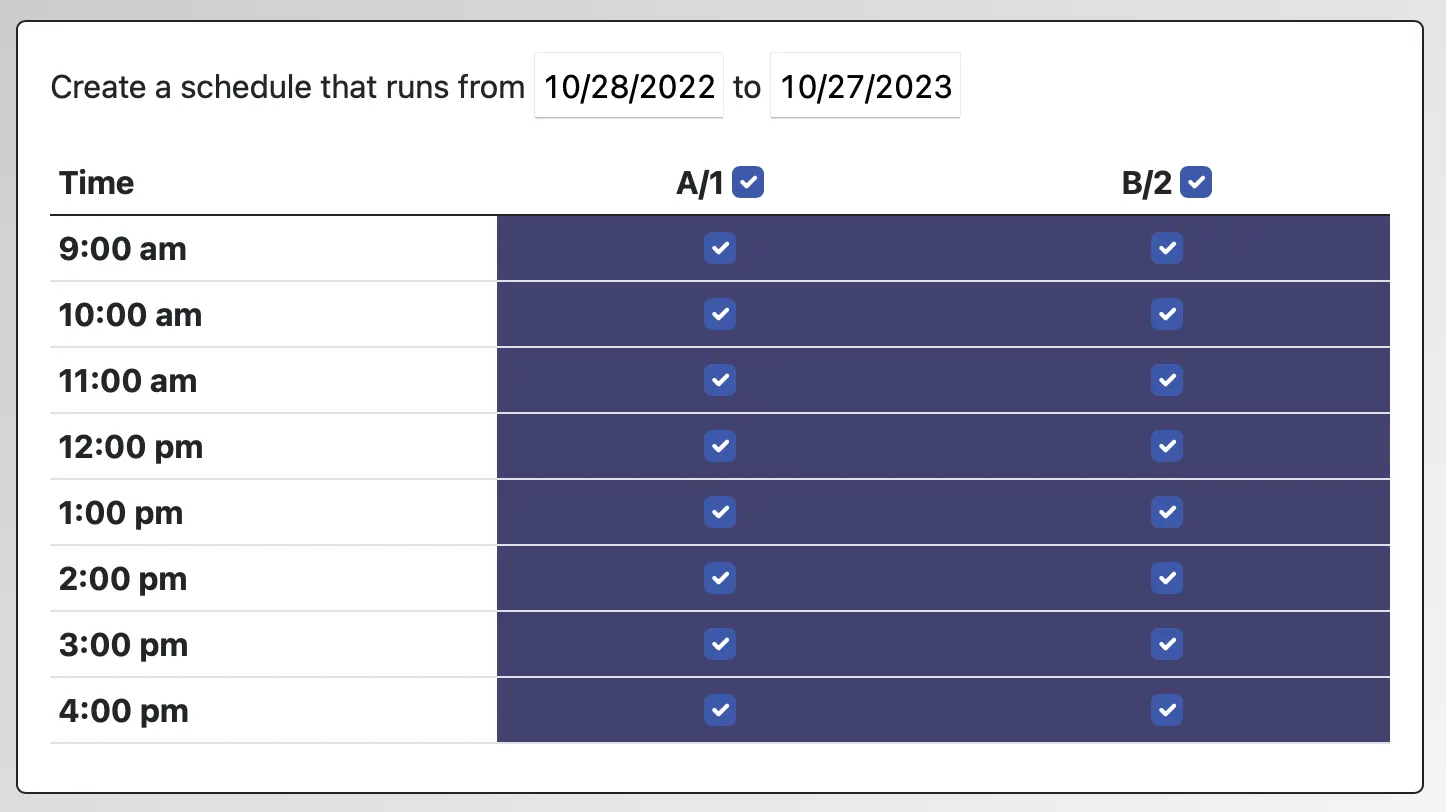
Starting Availability Management can be used to easily set up these irregularly repeating schedules. Once you’ve set up your schedule (and defined your A/B days) in Schedule Management, use Starting Availability Management just as you would for a traditional weekly repeating schedule. You’ll automatically see the names of each day (“A1”, “B2”, etc.) in place of weekdays (“Monday,” “Tuesday,” etc.) across the top when installing each staff or resource’s schedule. Apart from this difference, all the other instructions within this chapter remain the same.
A Note on Slot Scheduling
Section titled “A Note on Slot Scheduling”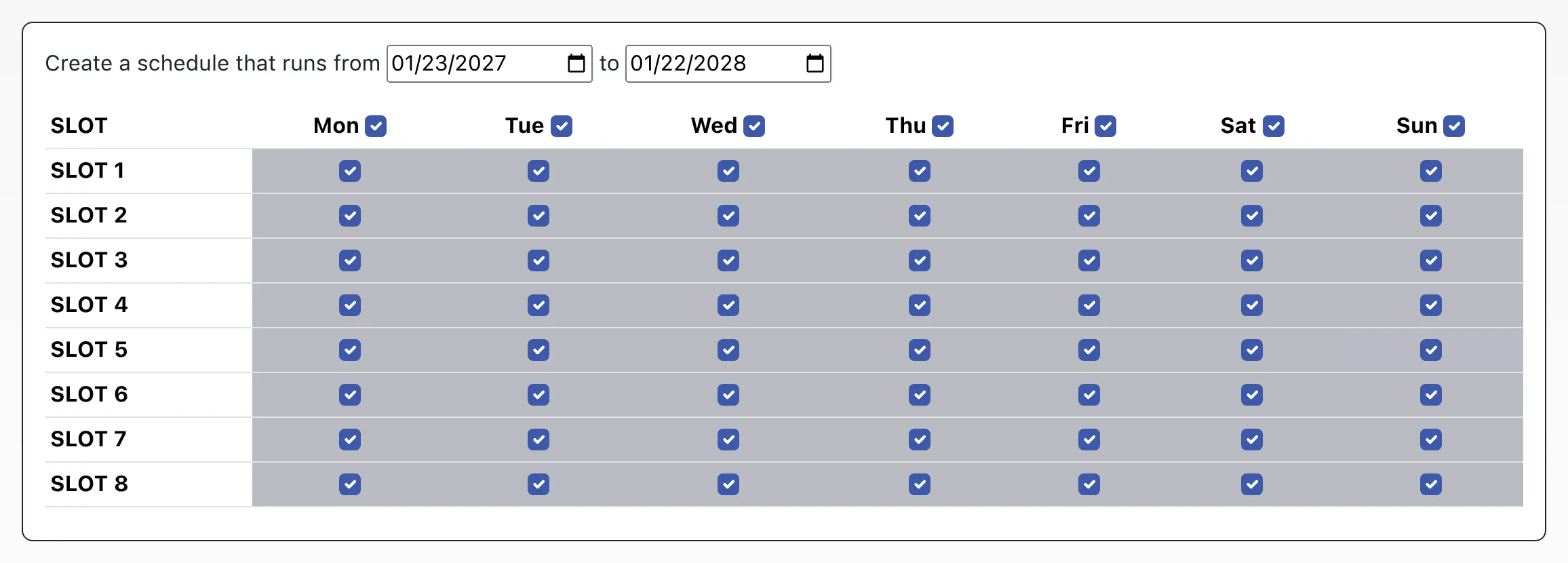
Starting Availability Management can be used to easily set up these slot schedules. Once you’ve set up your schedule (and set Slot Scheduling Only to “Yes”) in Schedule Management, use Starting Availability Management just as you would for a traditional weekly repeating schedule. You’ll automatically see the names of the slots (“SLOT 1”, “SLOT 2”, etc.) in place of times (“8:00am”, “9:00am,” etc.) down the side when installing each staff or resource’s schedule. Apart from this difference, all the other instructions within this chapter remain the same.