Profile & Communication Options
Profile & Communication Options allows you to update your own profile and configure a variety of email options and account-level preferences. Unlike the control panels that appear under “Administrative Options,” Profile & Communication Options is available to all clients and is used by clients to update their own preferences and settings. Note that administrators can update a given client’s profile and most account-level options through Client & Record Management. Changes that an administrator makes while logged in and on the Profile & Communication Options screen are changes to the administrator’s own account.
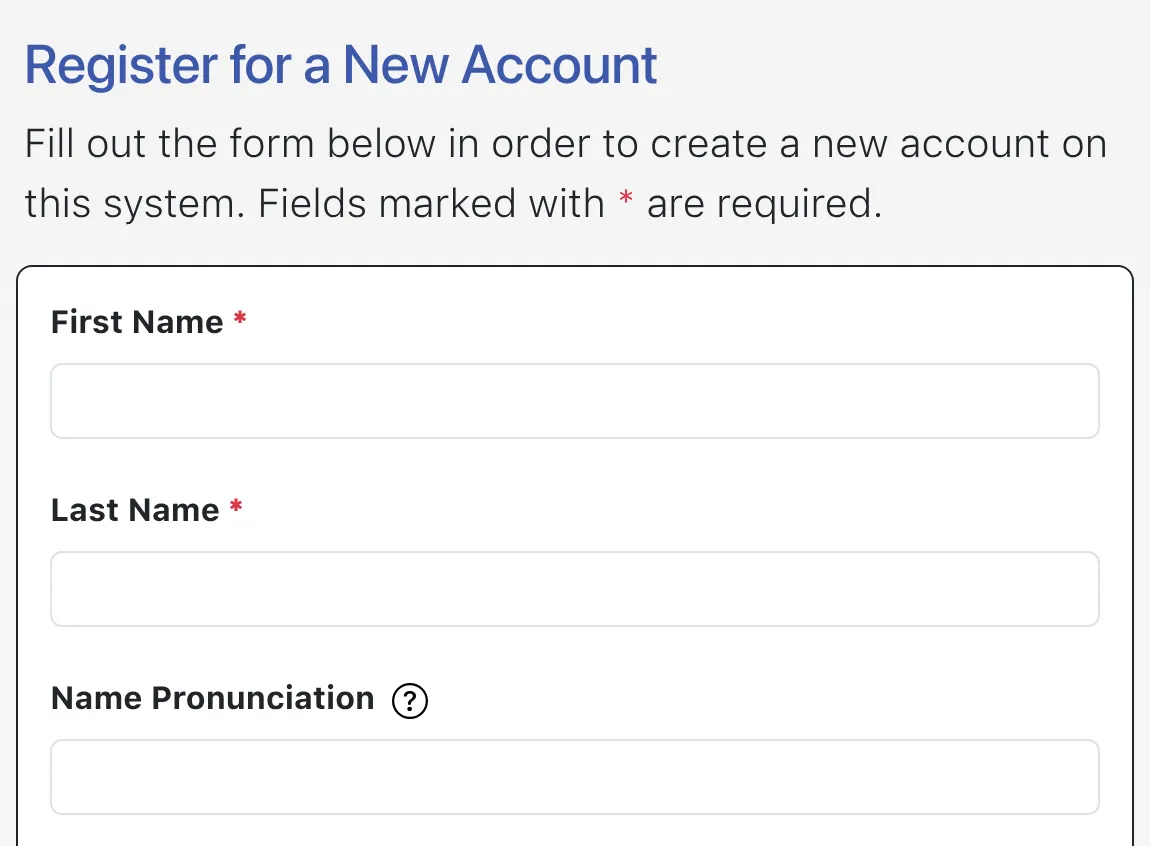
This chapter also covers the REGISTER FOR A NEW ACCOUNT form that clients must first fill out in order to access WCONLINE (as that form mirrors the “update profile” form and functionality). The questions and answer options that appear on the registration and update profile forms are defined within Form Setup: Registration Form.
Several features and settings in other areas of WCONLINE can impact the registration and update profile form. For more information on each option, review Using Profile & Communication Options in this chapter as well as the manual entry for the setting itself.
- If Use Mobile Text Messaging in Global System Settings is set to YES, forms include a “Text Messaging Preferences” section where clients can opt in to text messages and administrators can opt in to two-factor authentication.
- Institution’s Time Zone in Global System Settings determines how time-based scheduling restrictions, timestamps, the time clock, and iCal attachments are displayed for your local time. The forms offer clients the opportunity to opt-in to receiving iCal attachments to their appointment confirmation messages (which let them add WCONLINE appointments to an offline calendar with a single click).
- If Add GDPR to Registration in Global System Settings is set to YES, then clients will have to agree to the European Union GDPR Statement before being able to register or update their profile.
- If Force Profile Update in Global System Settings is set to a date and if a given client hasn’t updated their profile since that date, then the client will see a message at the top of the update profile form telling them that they have to make a change or save their profile to continue using WCONLINE.
- If LDAP/S has been configured and activated in the “Authentication Options” section of Global System Settings, then the forms won’t allow clients or administrators to change or enter their email address and password (since that information is provided by your institution).
- If Universal SSO has been configured and activated in the “Authentication Options” section of Global System Settings, then the forms won’t allow clients to change or enter their email address and password (since that information is provided by your institution). Administrators will have the option to update their email and password, though, since they log in to WCONLINE directly.