Mass Email Tool
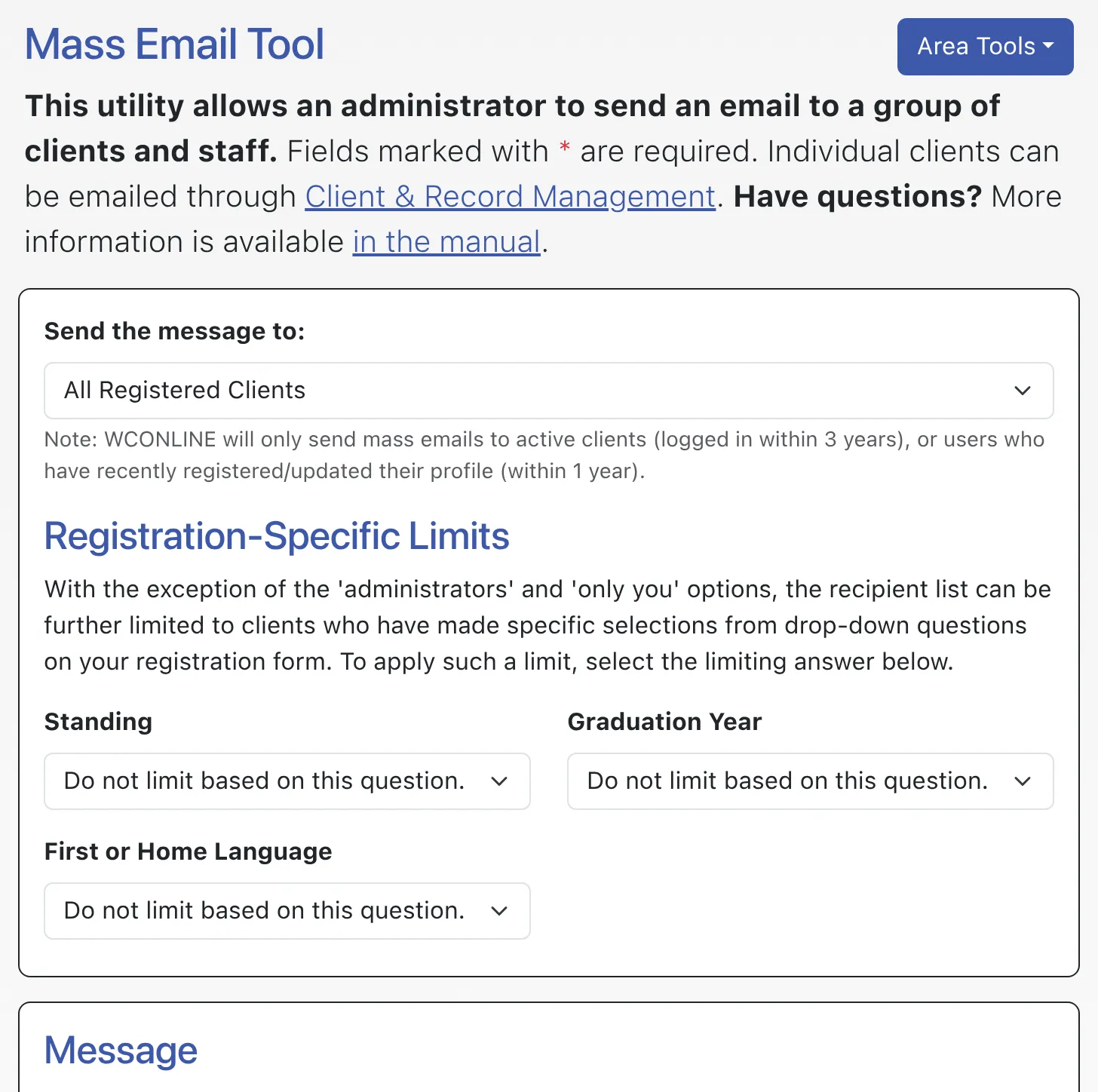
The Mass Email Tool allows you to send an email to all clients, or to a subset of clients and/or administrators based on a variety of different criteria. Typically available to full administrators only, the tool allows for emails to be formatted with text-formatting and include images. All emails are logged and are copied to the Center/System Email as set in Global System Settings.
Mass emails are configured via the Mass Email Tool. That control panel is available under the “System Utilities & Reports” section of the Welcome menu and is typically available to full administrators only. In addition to providing tools to define the recipients, compose, and send a mass email, the control panel provides a log of mass emails via the “Area Tools” menu:
- VIEW MASS EMAIL LOG: When a mass email is sent, WCONLINE records the date the email was sent, the email’s subject, and the name and IP address of the individual who sent the message, and displays that information in this log. Since emails are automatically copied to the Center/System Email, WCONLINE does not record the content of the outgoing email.