Existing Alerts
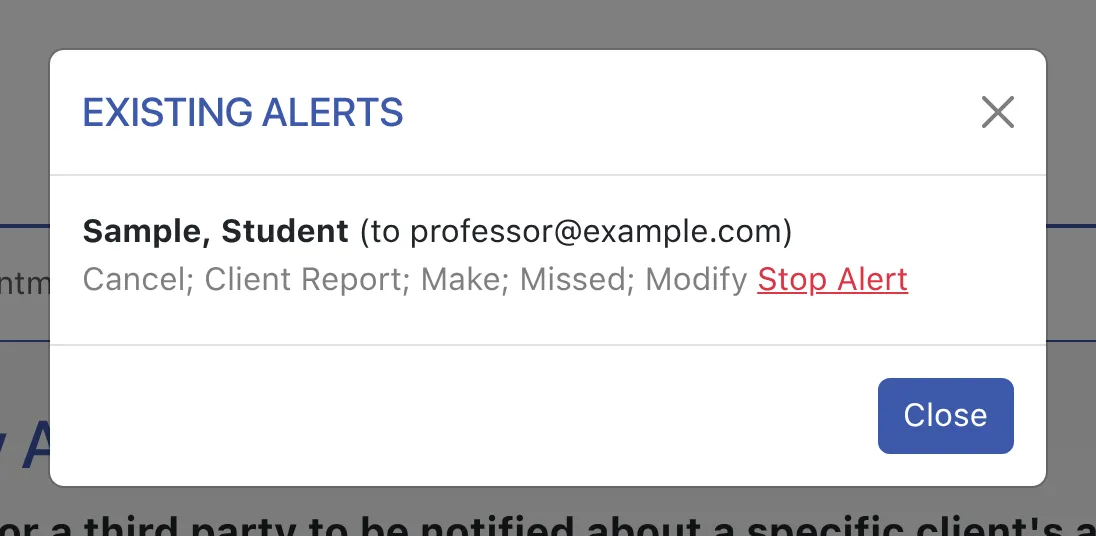
To view or manage existing alerts, select “Manage Existing Alerts” from the “Area Tools” menu at the top of Module Setup: Early Alerts & Flags. To stop an alert, select “Stop Alert” to the right of the alert. Stopping an alert does not affect the log of alert emails already sent (as mentioned above). If you need to change an alert (such as changing what emails are sent to a given individual), add a new alert for the same client and to the same recipient. The new alert will replace the existing alert.